3D mockups for special editions

See the book before it’s bound.

Design hardcovers with foil stamping, sprayed and gilded edges, endpapers and dust jackets. Turn them in 3D, share them with your readers, and print the templates to make them real.

Runs in your browser. No account, no uploads. Your art stays on your device.

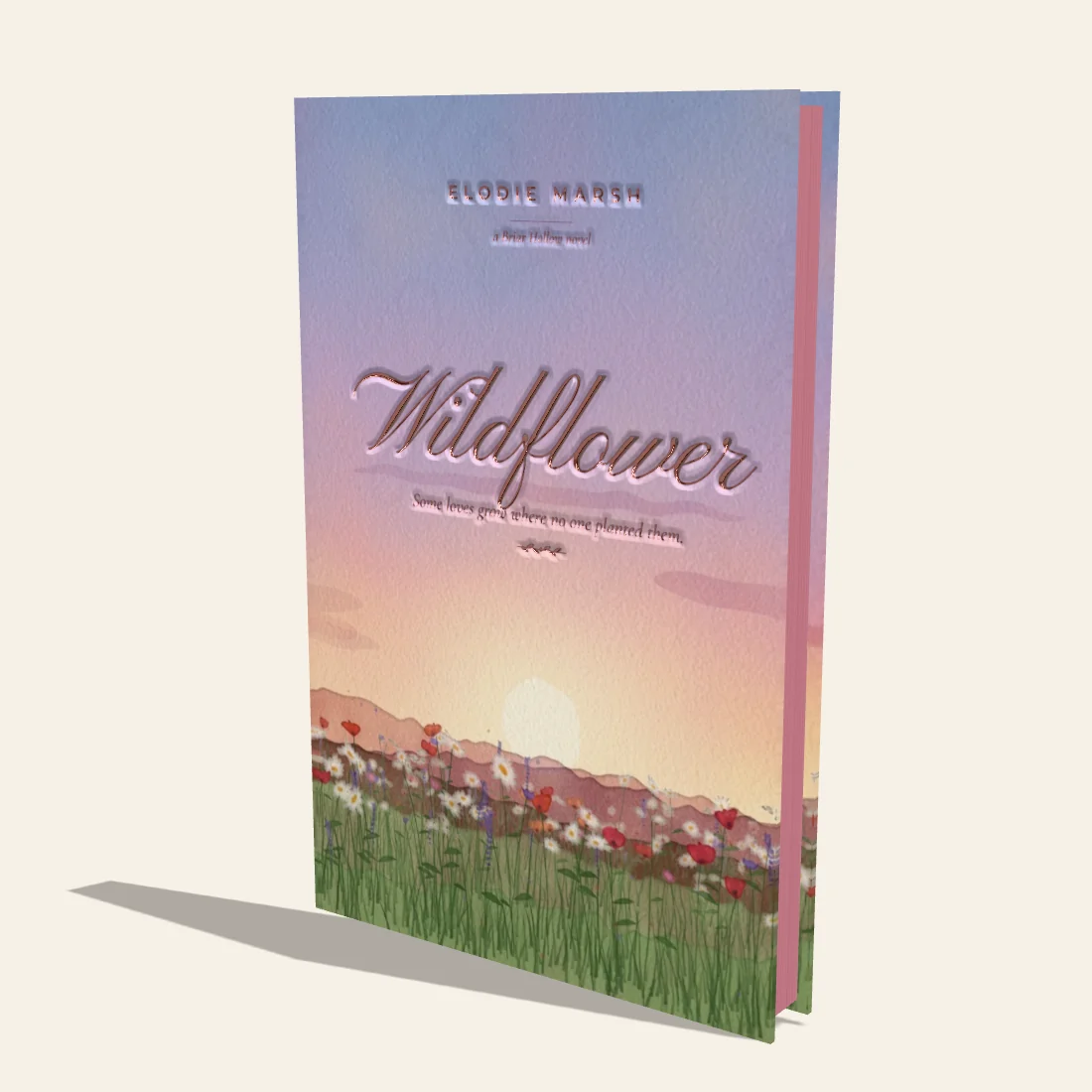
Wildflower, a cream hardcover painted with wildflowers, with a rose gold foil title and rose sprayed edges
Plate IWildflowerRose sprayed edges · rose gold foil

See it in motion

Foil that catches the light. Endpapers that open.

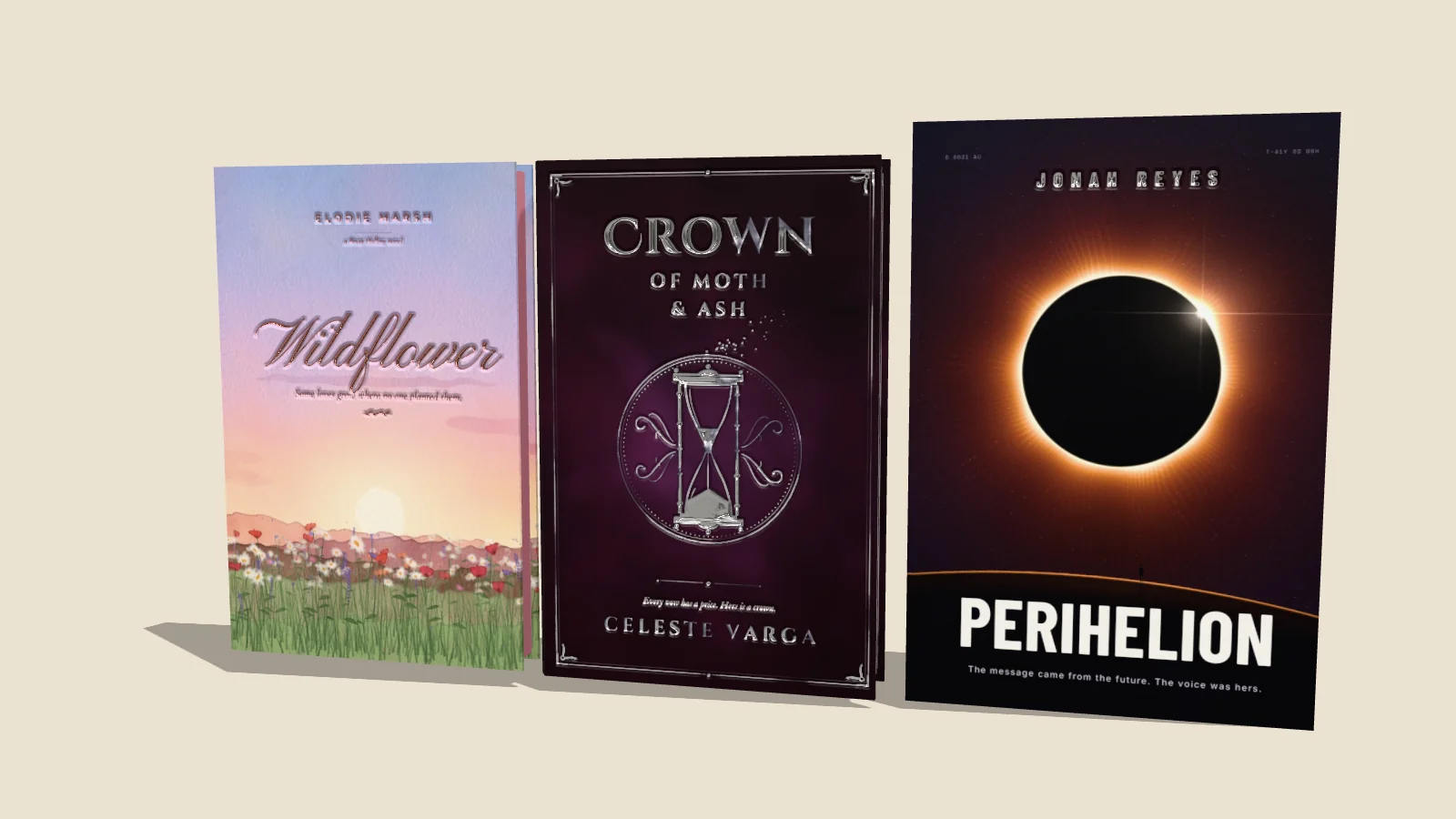
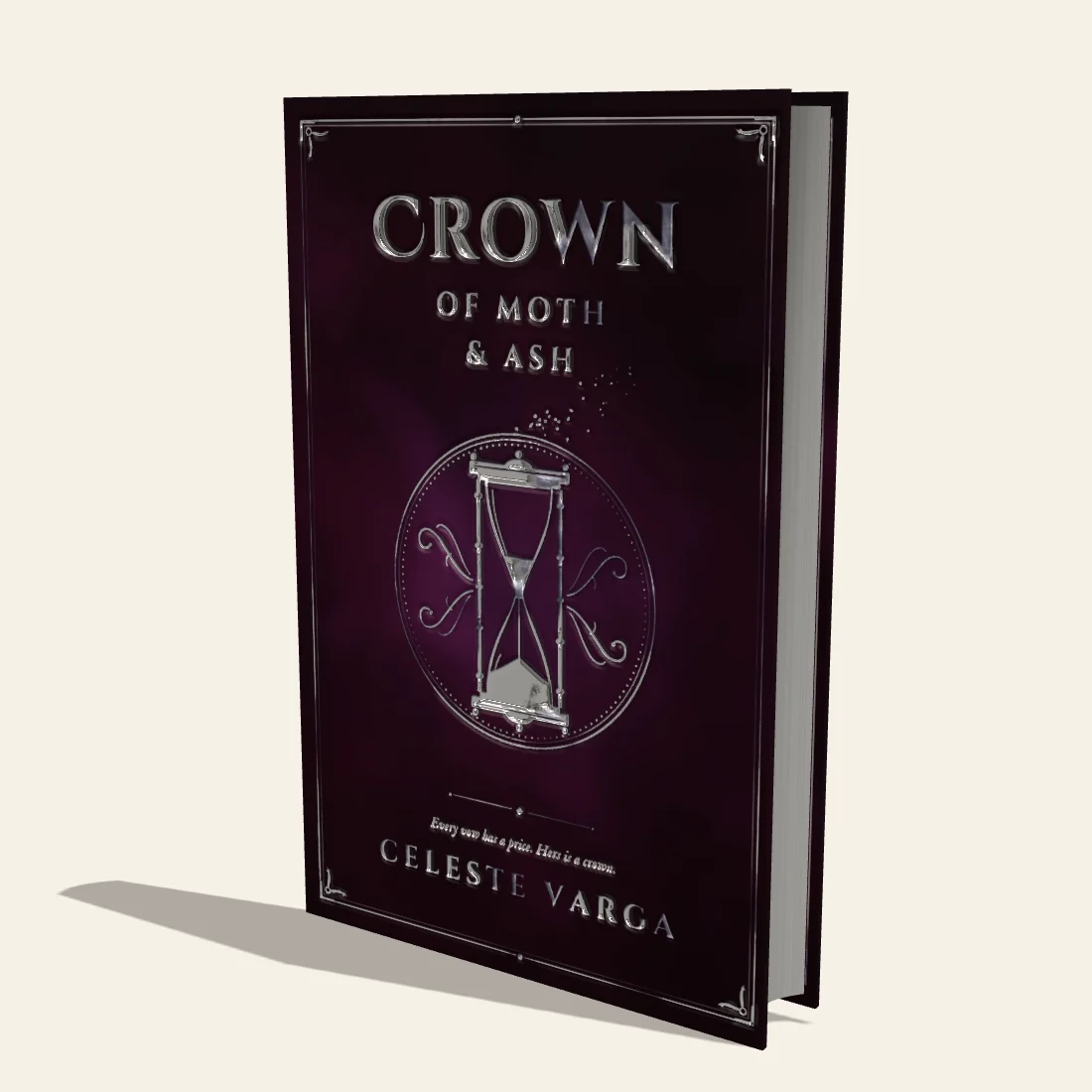
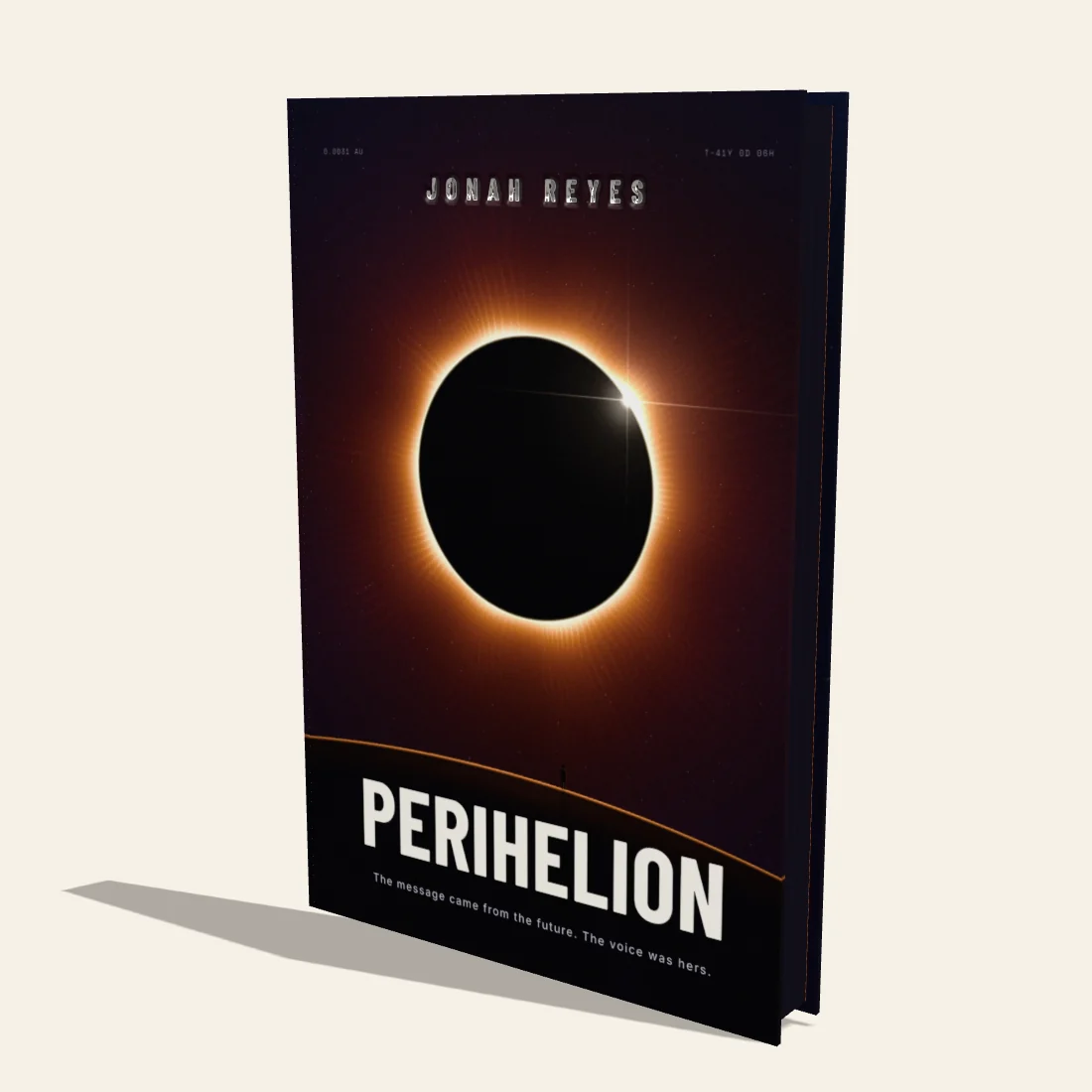
Three sample editions made in the studio: Wildflower, Crown of Moth & Ash and Perihelion, each with its own endpapers, foil and edges.

How it works

From file to finished mockup, in three chapters

  1. Chapter I

    Add your art

    Drop in a front cover, spine and back — or one full wrap that’s cut at the folds for you. Crop, fit or stretch each surface.

  2. Chapter II

    Bind it your way

    Choose the binding — hardcover, Bradel or paperback — the trim size, page count and paper; the spine width follows. Add foil, edges, endpapers, headbands and a dust jacket.

  3. Chapter III

    Share or make it

    Save images sized for Instagram, Stories, Pinterest and more — or print the measured templates and bind the real thing.

Features

Everything a special edition needs

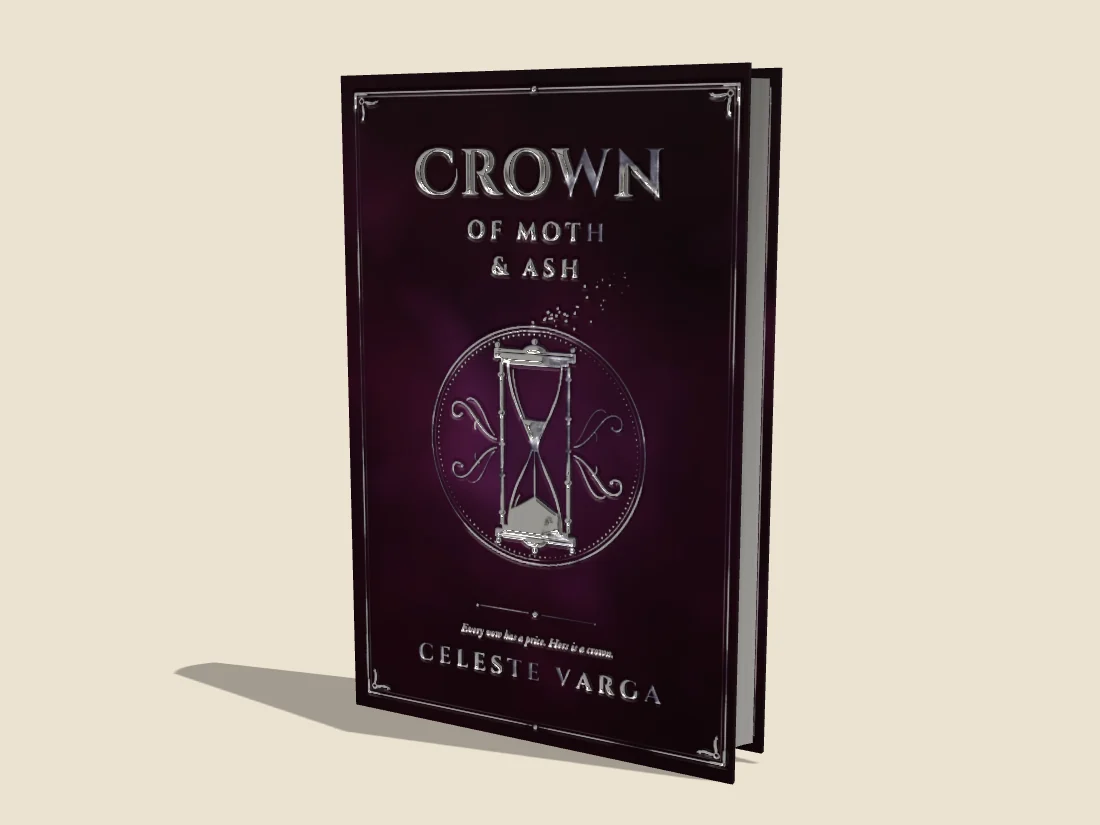
Crown of Moth & Ash: silver foil on the title, hourglass and frame of a plum hardcover

Foil stamping

Gold, silver, rose gold, copper, glossy black, holographic or any custom color, metallic or not — foil that catches the light as the book turns. Upload a mask, or let Detect Text find the lettering in your art and foil just the letters.

  • Front, spine, back, endpapers and page edges
  • Shine control and a debossed, pressed-in finish
  • Masks line up with your art automatically
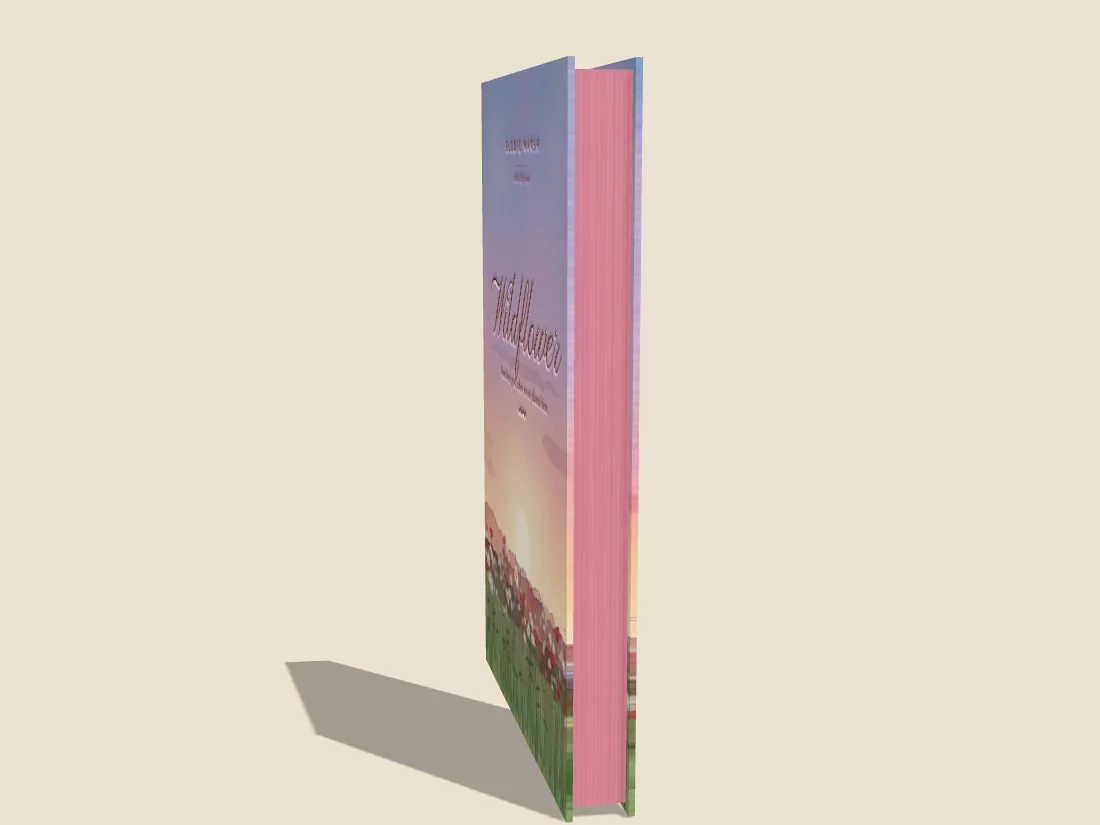
Wildflower, a hardcover with rose sprayed page edges and a rose gold foil title

Page edges & headbands

Natural paper in white or cream, sprayed color, gilded metal, or your own printed edge design — the same on all three edges, or each one styled on its own.

  • Gold, silver, copper, rose gold or any metal color
  • Striped or solid silk headbands, or none
  • Board edges and joints blend seamlessly with your art
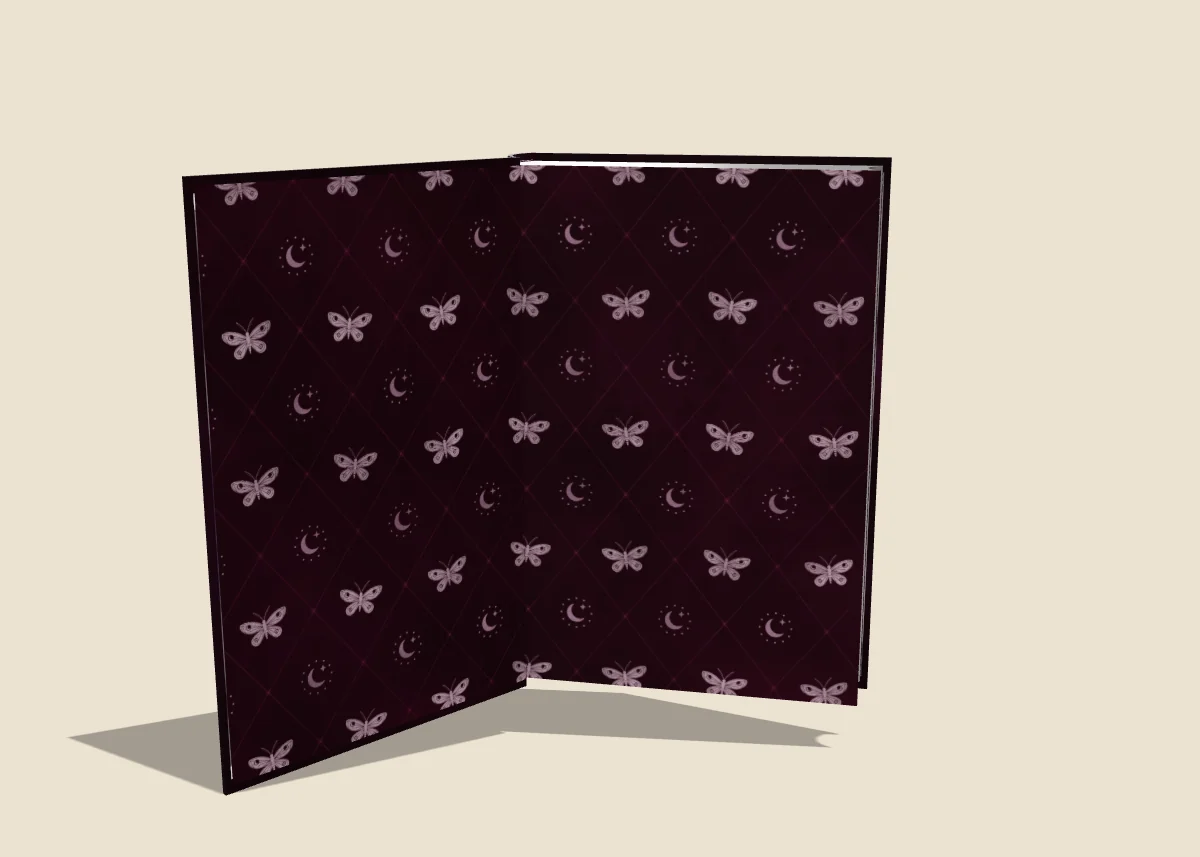
Crown of Moth & Ash open on its moth-and-moon endpapers

Endpapers & the open book

Lay one image across each endpaper spread and open the covers to show it off. Set how far the book opens, from a slight reveal to lying flat.

  • Front and back endpapers, placed like the covers
  • Pastedowns with real turn-ins around them
  • Click the book to open and close it
Wildflower, Crown of Moth & Ash and Perihelion standing side by side

Showcase

Bring up to twelve books into one scene — side by side, spines out on a shelf, stacked, or fanned — for series, collections and launch posts.

  • Pick and reorder the books
  • Adjustable spacing and backgrounds
  • Saved in the same social sizes
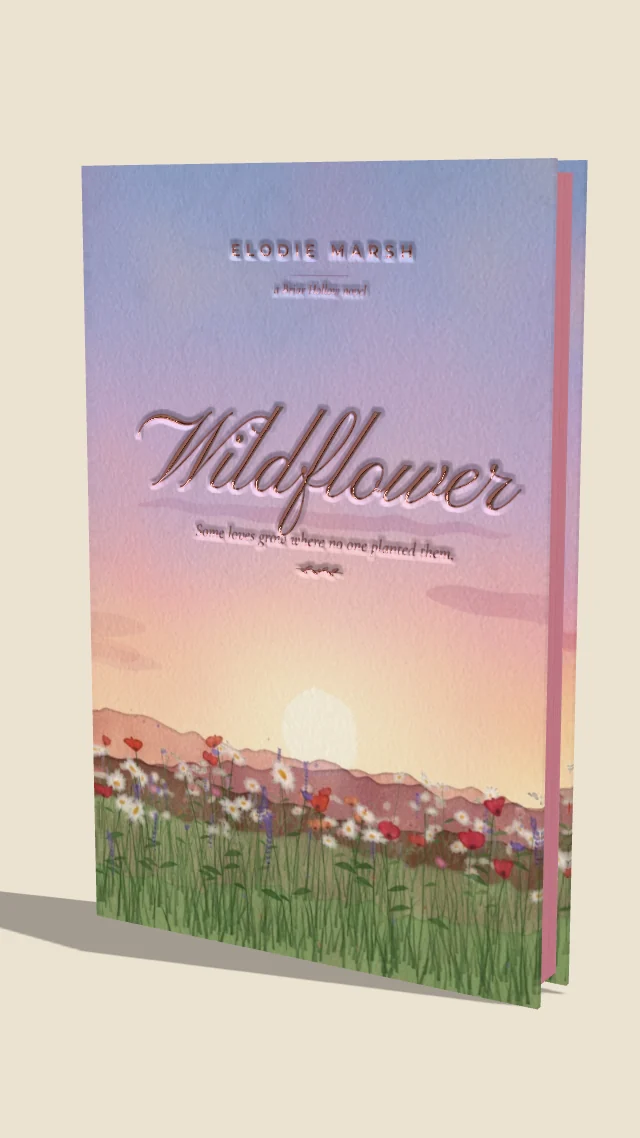
Wildflower framed for an Instagram story

Mockups sized for social

Export exactly what you see, or reframe it for every platform without cropping the book.

  • Square 1:1 and Portrait 4:5 for the feed
  • Story 9:16 for Stories, Reels and TikTok
  • Pin 2:3 and Landscape 16:9
  • Studio, solid color or your own photo backdrop
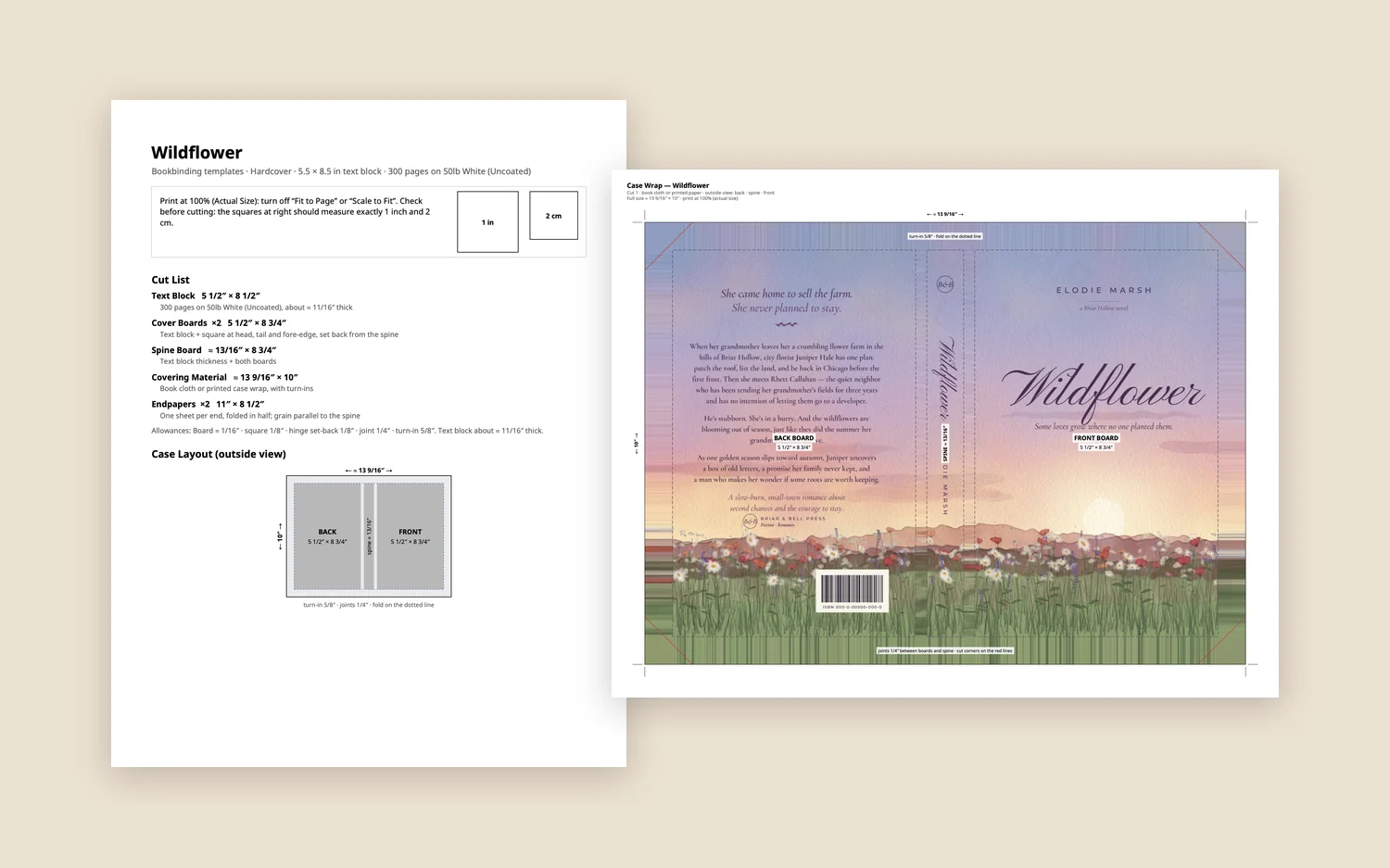
Wildflower’s cut list beside its full-size case wrap template

Templates & calculators

Turn the mockup into a real book. Get cut sizes for the binding you chose — boards, spine, covering and endpapers for a hardcover; stiffener, connecting strip, spine cloth and side papers for a Bradel — and print full-size templates with your art in place.

  • Case wrap with turn-ins, joints and corner cuts
  • Letter, A4 or full size, tiled across pages
  • Text block calculator — work back from the finished size
  • Inches, centimeters or millimeters

Full cover wrap

One image across back, spine and front, split at the folds — edge to edge, with bleed, or as a case wrap.

Dust jackets

Wrap the book with flaps tucked inside, or lay the jacket out flat. Matte or gloss.

Rounded spines

A real rounded back with the fore-edge dished to match, or a crisp flat spine.

Mockup from a cover

Only have the cover image? Get a sized book with a matching spine and back in seconds.

Private by design

No account and no uploads. Everything is saved in your browser and works offline.

Backups

Save your whole library to one file to keep it safe or move it to another device.

Made for

Bookbinders, authors & edition makers

Bookbinders

Plan a rebind or a fresh case, check proportions, and print templates with exact allowances.

Authors & designers

Show a special edition before it exists — for crowdfunding pages, preorders and social posts.

Book box & edition makers

Try foils, sprayed edges and endpapers on screen before committing to a print run.

Questions

Good to know

Do I need an account?

No. Open the studio and start. Your books are saved in your browser on this device.

Are my files uploaded anywhere?

No. Cover art, masks and mockups never leave your device — the 3D book is built right in your browser. Use Back Up to keep a copy or move your library to another device.

Does it work on my phone or tablet?

Yes. It works in modern browsers on phones, tablets and computers, and can be added to your home screen to open like an app — even offline.

What size should my cover art be?

The studio shows the exact size of every surface for your book, and a full wrap’s size for each layout. Art of a different shape can be cropped, fitted or stretched.

How does Detect Text work?

It reads the lettering in your art, and finds lettering it can’t read — script, swash and display fonts — by its shape, then traces each letter, flourishes included, to place the foil. Largest Text foils just the title. For logos or artwork you want foiled, upload a mask instead — white for foil, black for none.

Can I print the templates at home?

Yes. Templates print on US Letter or A4, split across pages with trim borders to tape together, or at full size for a print shop. A scale check on the first page makes sure they print at 100%.

Your next edition, in 3D.

Open it in your browser — nothing to install.

Open the Studio